How to properly prepare files for printing?
1. Preparation method
Files should be prepared as PDF 1.4 documents compliant with the PDF/X-3 standard.
Photo resolution contained in digital files cannot be lower than 300 dpi.
The TIL parameter (Total Ink Limit) cannot exceed 340% for coated papers and 300% for uncoated papers.
Texts converted to curves or embedded fonts.
The work should have applied net format lines (cutting).
If necessary, we accept materials in open files (Corel Draw, Adobe Illustrator, Adobe InDesign). Texts should then be converted to curves or necessary fonts should be attached.
Photos and all graphic elements must be in CMYK color mode or grayscale.
2. Graphic layout
All products offered in our store have a mockup that serves to prepare the appropriate design. The mockup can be found on the product page.
Each page in the document should have bleeds of at least 3 mm from all sides.
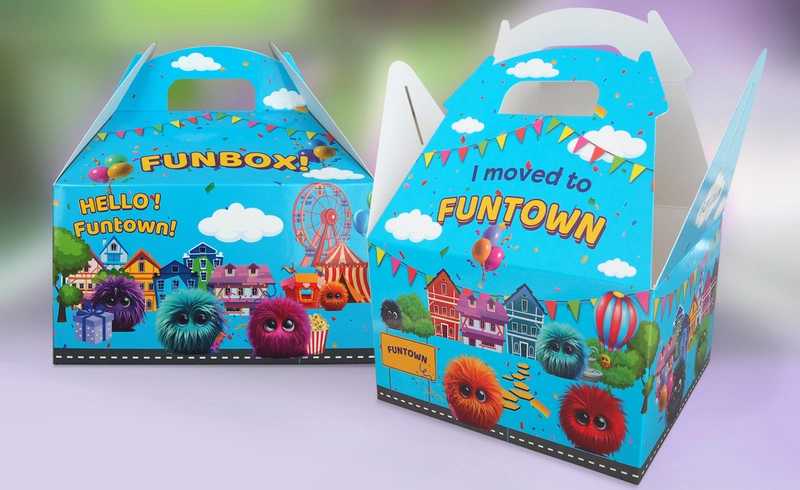
Works for die-cutting should include 5 mm bleeds.
The die-cut shape in the work must be marked with an additional (spot) color named "wykrojnik" with the "overprint" option enabled. The die-cut must be a curve.
Works that include spot UV lacquering must be prepared so that the files contain an additional (spot) color named "lakier UV" with the "overprint" option enabled.
Important elements text or graphic should be located at a distance of no less than 5 mm from the cutting line.
The minimum allowable line thickness in 1 color is 0.2 pt.
Lines made in knockout or in more than one color should have a thickness of no less than 0.75 pt.
To achieve greater depth of black color in solid areas, it should be generated from four colors. Recommended components are: C 30, M 30, Y 30, K 100.
To avoid registration inaccuracies, trapping should be created.